
Lay out your garage to scale before you buy shelves, cabinets or a ceiling rack. Pick your garage size, add your vehicles and the things you store, and the planner points out the tight spots: car doors that can’t open, a rack over the garage door track, or a wall cabinet where the hood goes. When the layout works, it lists products that match the items in your plan.
Loading the planner. It needs JavaScript turned on.
Compact car
Midsize sedan
Compact SUV
Minivan
Full-size pickup
Motorcycle
Wire shelving 48 x 18
Heavy-duty shelving 48 x 24
Tote stack
Base cabinet
Tall storage cabinet
Workbench 6 ft
Rolling tool chest
Slatwall panel 8 x 4 ft
Pegboard 4 x 2 ft
French cleat wall 8 x 4 ft
Wall cabinet
Wall shelf 4 ft
Wall tool rack
Bike on a wall hook
Kayak on wall brackets
EV charger
Ceiling rack 4 x 8 ft
Ceiling rack 4 x 6 ft
Ceiling rack 3 x 8 ft
Push lawn mower
Snowblower
Bike (parked on the floor)
Trash cart (96 gal)
Recycling bin
Chest freezer
Fridge or upright freezer
Top garage picks
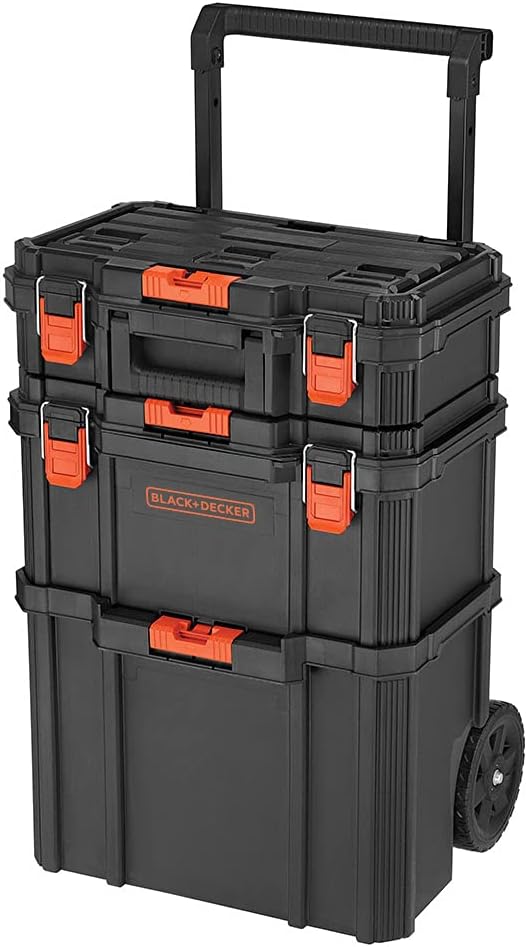
BLACK+DECKER 3-Piece Stackable Toolbox Storage System
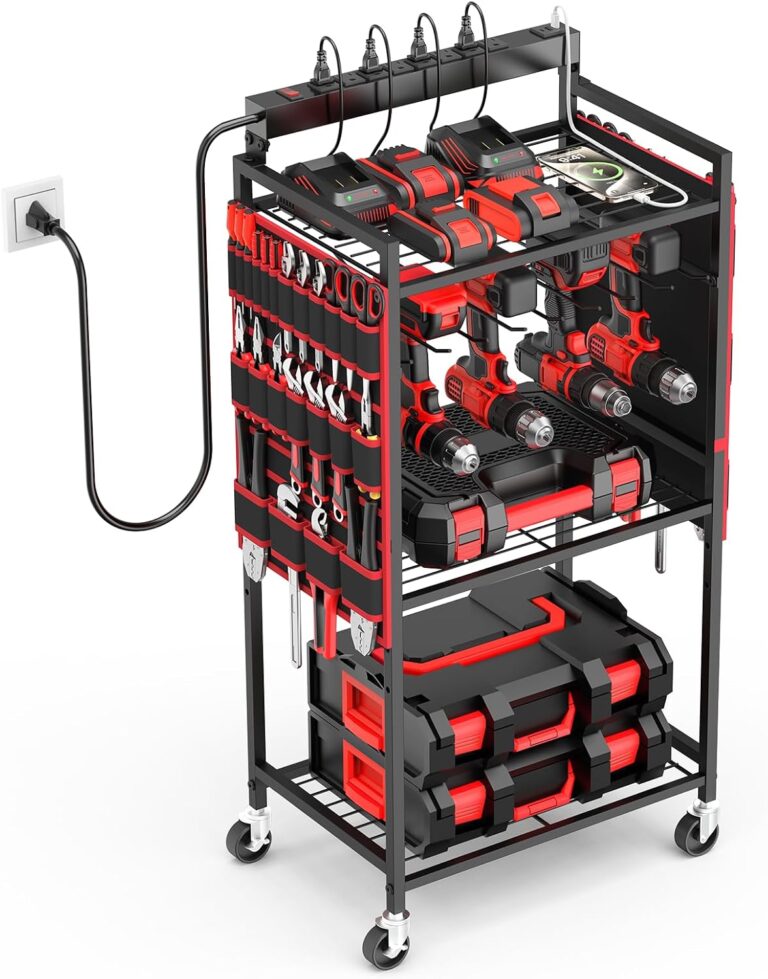
Rolling Power Tool Charging Cart, 8 Outlets, 3 USB
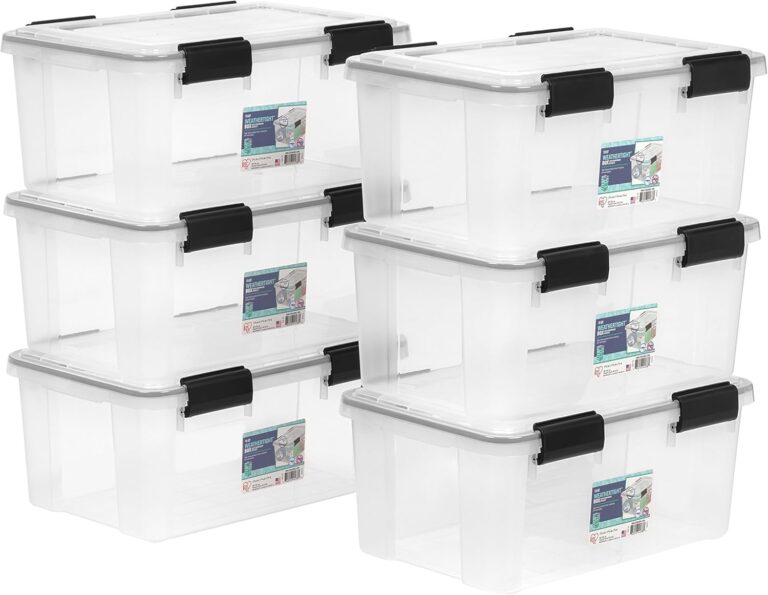
IRIS 6-Pack 19 Quart Clear Storage Bins with Lids
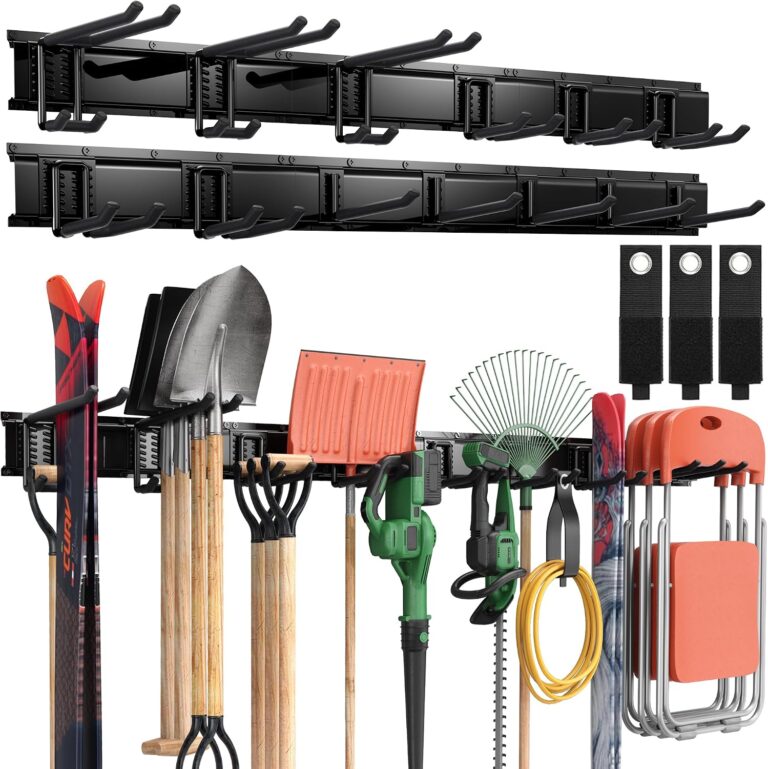
Wall-Mounted Garage Tool Rack with 13 Hooks, Black
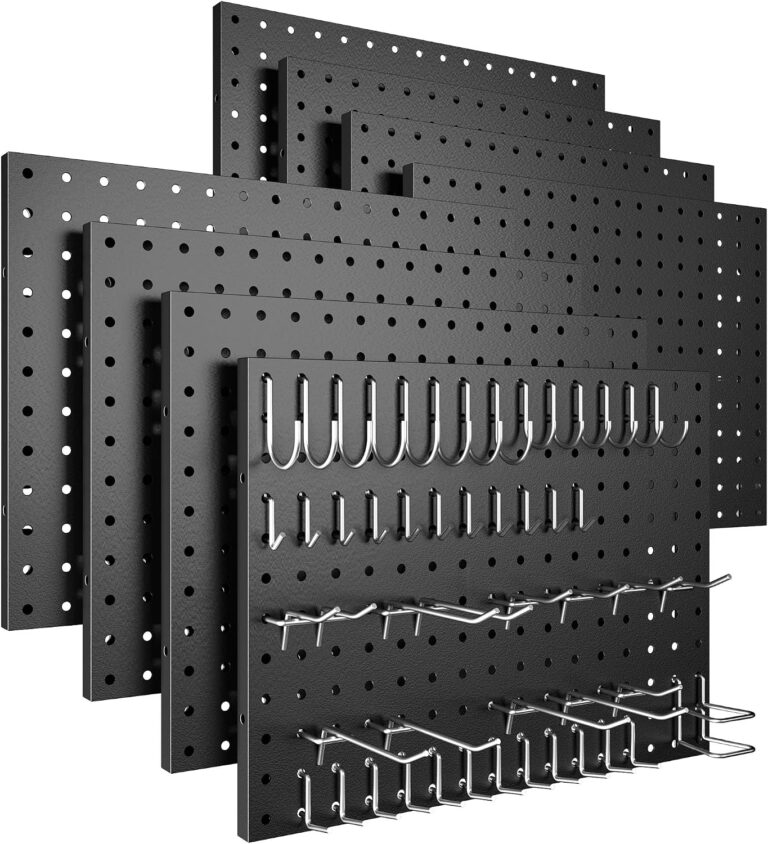
8-Pack Black Metal Pegboard Panels with 50 Hooks
49-Inch Wall Mount Tool Organizer with Pegboard, Black
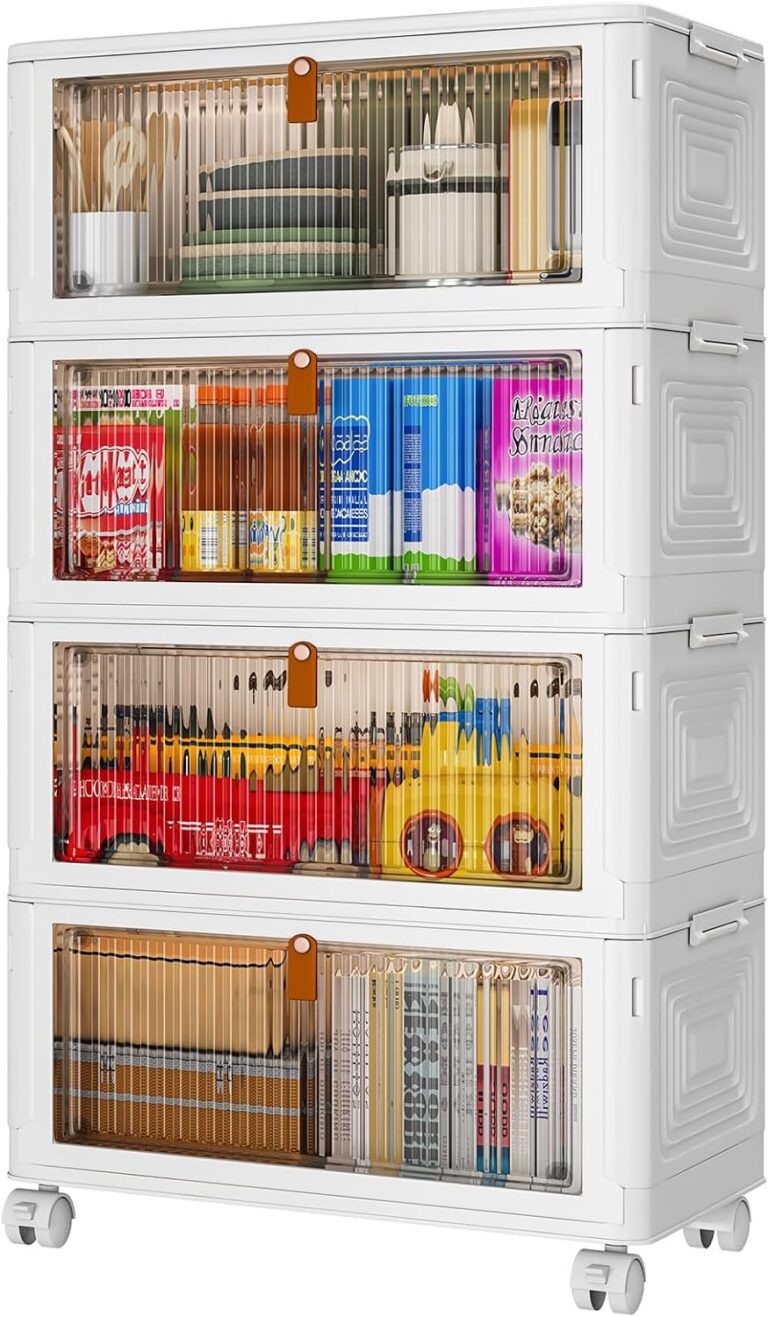
4-Tier Stackable Storage Bins with Lids, 36 Qt Each
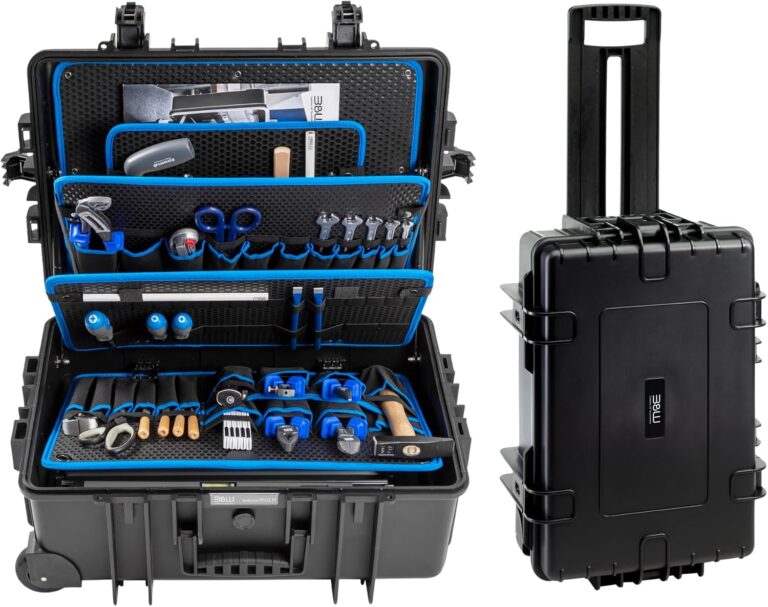
Jumbo Rolling Tool Case with Tool Boards
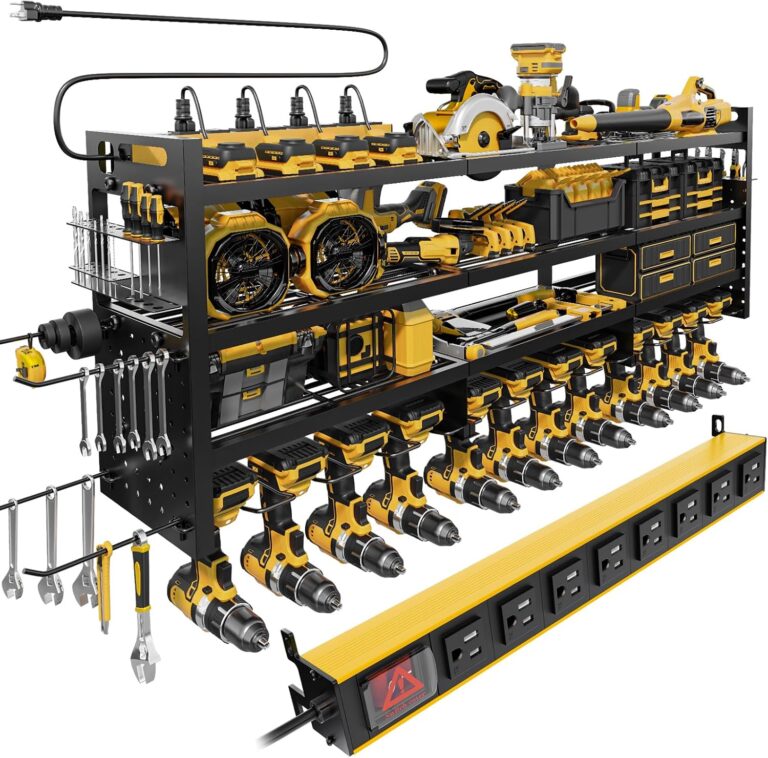
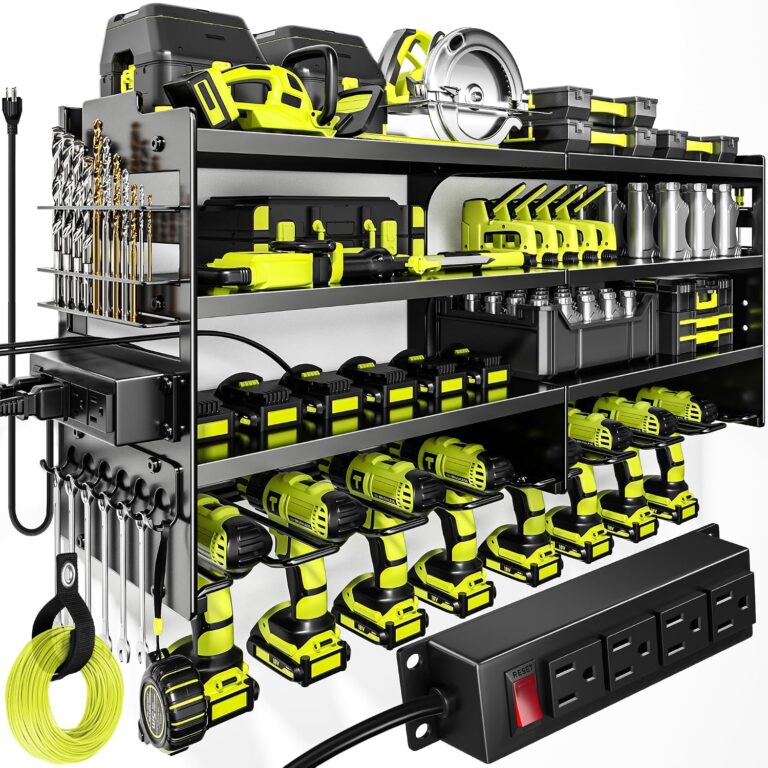
Wall-Mount Power Tool Organizer with Charging Station
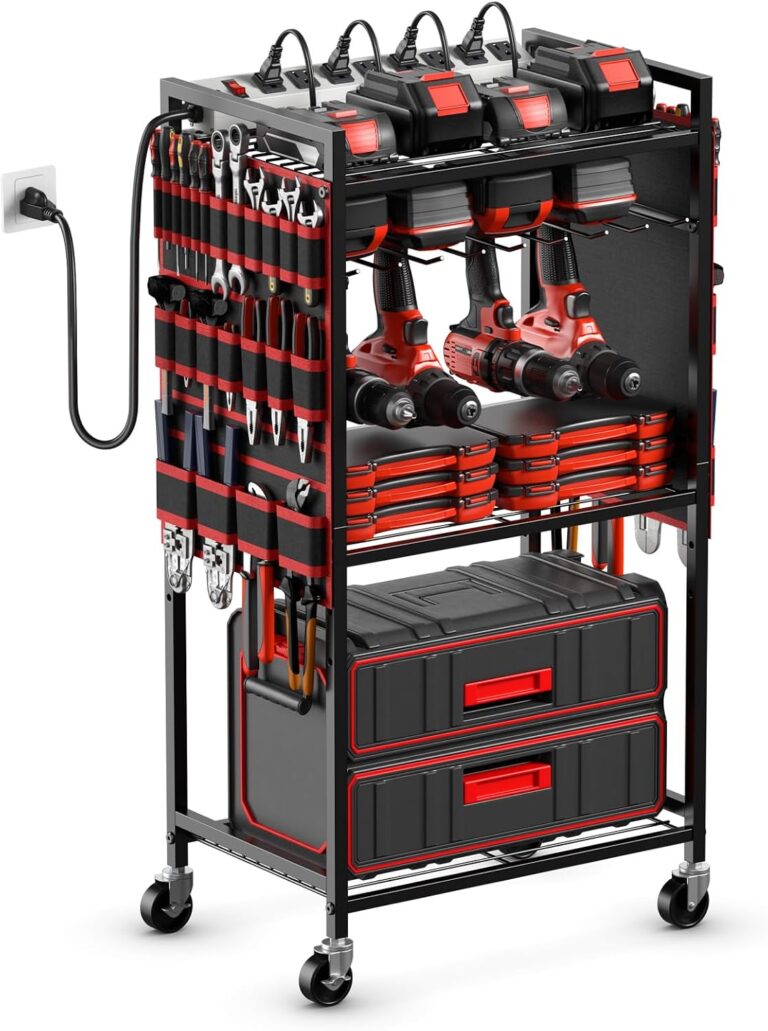
Rolling Power Tool Organizer Cart, 8 Outlets (Red)
How to use the garage layout planner
- Pick a garage size, or type your own width, depth and ceiling height (inside, wall to wall). Switch to metric if you prefer.
- Tick what you need to store and click Build my starter plan, or add items one at a time.
- Drag items into place. Tap an item to turn it, change its size, set how high it hangs on the wall, or how far a ceiling rack drops.
- Read the Clearance check. Switch between Minimum and Recommended to see how much breathing room you have.
- Open the Ceiling view for racks and the door track, and the Walls view to see wall storage at its real height.
- Copy your link, download an image, or print the plan with its scale and shopping list.
Typical garage sizes
Sizes vary by builder and region, so measure your own garage. These are common starting points:
| Garage | Typical inside size |
|---|---|
| 1-car | About 12 × 20 ft; small ones are 10 × 18 to 10 × 20 ft |
| 2-car | About 20 × 20 ft; 24 × 24 ft is roomy |
| 2-car for trucks and large SUVs | About 24 × 30 ft |
| 3-car | About 30 to 32 ft wide and 20 to 22 ft deep |
- Single garage doors are usually 8 to 9 ft wide and 7 to 8 ft tall. Double doors are 16 to 18 ft wide.
- Ceilings are typically 8 to 10 ft. Ceiling storage racks are easiest with a ceiling of 9 ft or more.
Clearance rules of thumb
These are general rules of thumb, not building code. The planner’s Minimum and Recommended settings use them.
- Beside a car: about 24 in to open the doors; 36 in is more comfortable.
- In front of a car: a 36 to 48 in walkway.
- In front of a workbench: about 36 in of standing room.
- In front of shelves and cabinets: a 24 to 36 in aisle.
- Under ceiling racks: keep about 7 ft clear, more over tall vehicles.
- Garage door track: the track runs about the door height plus 18 in into the garage. Keep racks, lights and storage out of that zone.
- EV charger: often mounted 36 to 48 in off the floor. The charger manual and your local code come first.
Storage sizes to plan around
- Shelving units are usually 16 to 24 in deep (about 12 in when they hang over a workbench).
- Wall cabinets are 12 to 16 in deep and usually hung 54 to 84 in off the floor.
- A workbench is about 34 to 36 in high, 24 to 30 in deep and 6 to 8 ft long.
- A 4 × 8 ft overhead rack is 96 × 48 in, and adjustable racks commonly drop about 22 to 40 in from the ceiling. Check the weight rating and joist spacing in the manual.
- A bike parked on the floor takes roughly 6 × 2 ft.
Garage storage to start with
Not sure where to begin? These cover the wall, rolling and bin storage in the planner. Check each listing’s size against your plan before you buy.
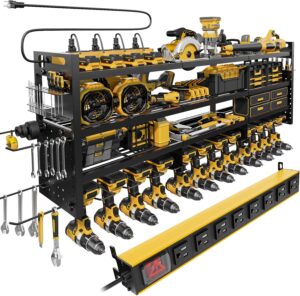 Pegboard wall with tool shelf49-Inch Wall Mount Tool Organizer with Pegboard, BlackShop now
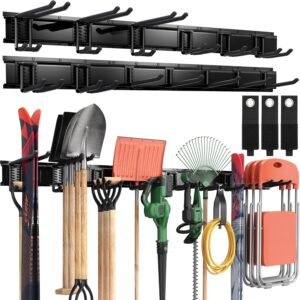 Hooks for long-handled toolsWall-Mounted Garage Tool Rack with 13 Hooks, BlackShop now
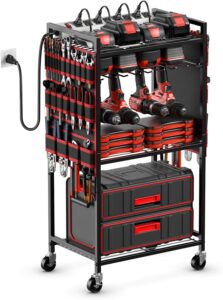 Rolling power-tool cartRolling Power Tool Organizer Cart, 8 Outlets (Red)Shop now
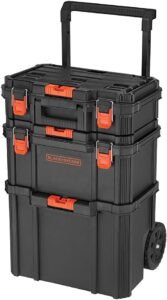 Stackable toolboxesBLACK+DECKER 3-Piece Stackable Toolbox Storage SystemShop now
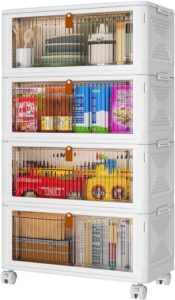 Stackable bins 36 qt4-Tier Stackable Storage Bins with Lids, 36 Qt EachShop now
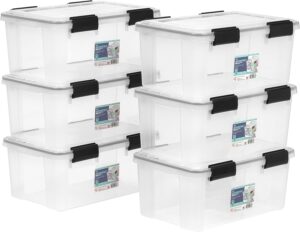 Clear bins 19 qtIRIS 6-Pack 19 Quart Clear Storage Bins with LidsShop now
Plan with our other tools
Measuring one spot? The Will It Fit? checker shows storage verified to fit your space, and the Storage Finder narrows products by room and type. Browse our garage storage picks, or read the organizing guides, like how to measure a corner for a shelf and picking a slim rolling cart for a narrow gap.
Garage planner FAQ
Is the garage layout planner free?
Yes. There is no sign-up and no account. Your plan stays in the page link and your own browser; nothing is saved on our server.
How do I save or share my garage plan?
Click Copy link. The link holds your whole plan, so you can bookmark it or send it to someone. You can also download an image or print the plan with its scale and shopping list.
How much space do I need beside a car in a garage?
A common rule of thumb is about 24 inches to open the doors and 36 inches to get in and out comfortably. The planner warns you when the space beside a car is blocked.
Can I plan ceiling storage racks around my garage door?
Yes. The Ceiling view shows the garage door track and opener rail, warns if a rack sits over them, and checks the headroom under each rack, including over a parked vehicle.
Are the item sizes exact?
They are typical sizes, and some are estimates. Tap any item to change its width, depth and height to match what you own or plan to buy, and always check a product’s listed size before you order.
Does the planner work on a phone?
Yes. Tap an item to select it, drag to move it, and use the on-screen buttons to turn, nudge, duplicate or delete it.